Free
$0
4 hours of placement each month.
- All three video types
- Keywords or local AI
VoxVision builds a Premiere Pro timeline from your narration, with footage placed on the exact frame and credits kept for every clip.
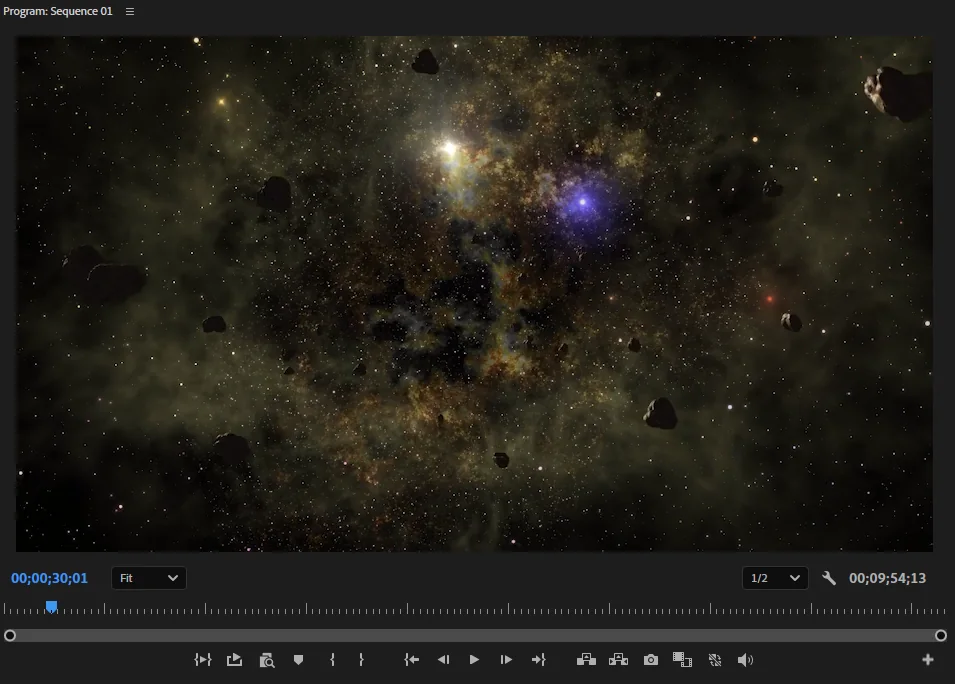

VoxVision runs as a Premiere Pro panel with a small companion program on your Windows PC. Your project stays in Premiere.
Installation requirementsPick a workflow for a documentary, a scripted video, or b-roll over your facecam.
The voiceover defaults to A2; choose another track if needed. VoxVision finds footage on Pexels and Pixabay using keywords or AI.
Clips are cut to frame and placed without gaps. Replace or block any result, and see a credit for each clip.
Choose the approach that fits the material you have.
For two to three hour documentaries. Pick a niche and build from whole clips; no script is needed. Building starts within a minute.
Use a script and place a matching stock clip for every sentence.
Keep your video and add clips above the facecam only where a sentence has something worth showing.
Use stock footage as a starting point, then edit the timeline the way you want.
Use keywords, a local AI model on your GPU, or cloud AI on Pro and Max.
Point VoxVision to a folder of your own video clips.
Swap an individual clip or stop unwanted footage from appearing again.
Every placed stock clip gets a credit. Footage comes from Pexels and Pixabay.
An hour means one hour of stock footage placed on your timeline.
4 hours of placement each month.
250 hours of placement each month.
Unlimited placement each month.
Several editors, one bill.
Upgrade to a plan or unlock one with a code on your account page.
VoxVision needs Windows 10 or 11, Premiere Pro 2025 or later, an internet connection, and an account. Plan limits are checked online.
No. Keyword matching and cloud AI work without a dedicated graphics card. A GPU helps if you choose local AI or want faster encoding.
It searches Pexels and Pixabay using your own free API keys. Those keys are stored in Windows Credential Manager.
Yes. You can choose a local footage folder, replace a result, or block a clip.
No script is needed for ultra long-form. Long-form uses a script for sentence-by-sentence matching, and b-roll mode reads the voiceover track you choose.
Check the system requirements and install steps.